- HubPages»
- Arts and Design»
- Graphic Art & Design»
- Design Software
Make and do Fun Things in Adobe Illustrator CS2

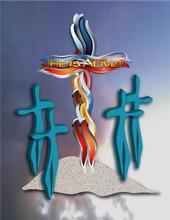
"He Is Alive"
Dorsi's New Business Card
"Butterflize Too"

A Tutorial On Making Glassy Text In Adobe Illustrator CS2- Fun Stuff!
Adobe Illustrator Is Great For Business But Also For Fun
I've been been an artist for as long as I can remember, ever since 5 when I won "The Safety Poster Contest" in Kindergarten with my rendition of a girl on the railroad tracks (done in the good old crayon.)
Crayons for me turned into many other mediums as I got older- watercolors, oils,clay,pen and ink,and charcoal drawing to name a few.
I think the absolute most fun I've had as an artist in the last few years though has been using my new-found medium- a software program called Adobe Illustrator CS 2 (there is since a part 3 but I haven't even mastered 2 yet so for today's sake I'll just discuss my experience with 2 )
The original reason I got Adobe Illustrator was to use it for business purposes. I needed a program that could convert customer files into "vector images" for output on plotters at my business Signs Now (vector is making outlined images that I could use to make decals for trucks, banners, and signage)
I decide that I wanted to take a class with my new program because I enjoy the camaraderie of working with other creative people, so I took a local class at our local ROP (Regional Occupation Program) I knew I didn't need to go to some fancy snazzy college to learn what I needed to know, so ROP worked just great for me.
My teacher Ray McDonnell was great. He encouraged us to work at our own pace and work at things that we enjoyed doing.
Perfect for me- because I've always done my best and learned the best when allowed to proceed at my own pace.
True to my creative nature, however, I got through about 3 chapters of the book and all the rules went out the door. I had to start experimenting with all those buttons and boxes before I really knew what I was doing.
The results were astounding. Night after night I sat on my laptop playing like a kid in a candy store. I think I leaned more about Illustrator by just jumping in than I would have any other way ( not to discount books but just doing it is the way I learn best)
Illustrator is not a cheap program ( It cost me over $300 at the time) but because i was used to using a $4,0000 graphics program at my shop, (yes- e-gads that's a lot of money), I took to Illustrator like a fish to water.
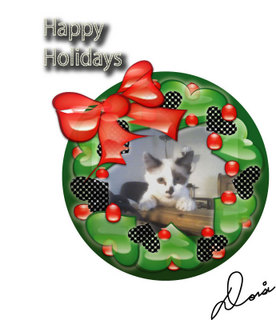
I've put some of the images here that I have done in Illustrator to give you an idea of the sorts of things that you can use Illustrator for (saved in jpeg files for web viewing) I have used it with my camera phone and added text and images, used it for business cards, flyers, Internet comments for my friends at Yuwie and MySpace, screen savers, greeting cards, wallpapers, just to name a few.The things you can create art for with Illustrator are pretty much endless. Another favorite thing I do on Illustrator is to take pictures with my camera phone then apply "watercolor" or other special effects to make the picture look like it's been painted.
One of the great things about illustrator is that you if you want to make CD cover, flyer, card, etc.- there are pre-formed templates for your use. (I haven't used them yet but it's great knowing they are there if I am so inclined to do so one day)
Illustrator is a lot of fun and I recommend it for anybody. You can buy a book which I highly recommend for about $50 that will break the lessons down into doable lessons. You can use it to make business cards for your business, or just to have fun, which I have been having a lot of!
(One note- however- Illustrator can be quite addicting- make sure you have enough memory on your computer to handle all your images!)
"MoonFlizes"
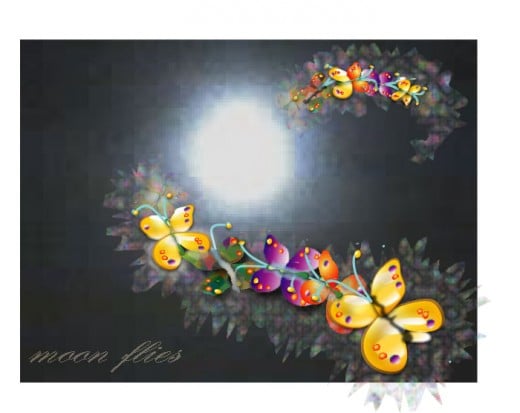
A Yuwie Comment I Made With A Generic Picture

A Custom Holiday Comment